

To Register with the ACES
Please visit website www.aces.gov.in

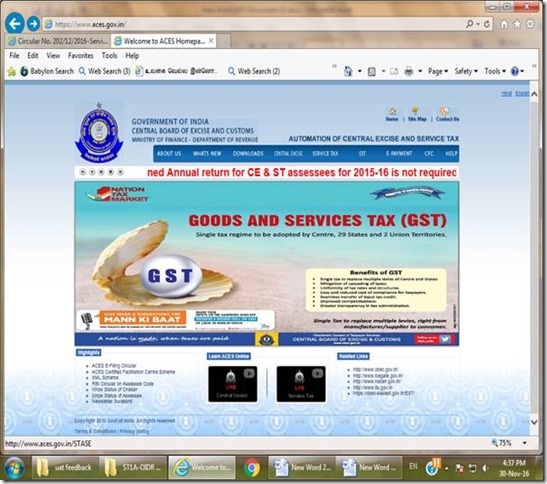
Click SERVICE TAX tab
Click ‘New Users to Click here to Register with ACES’.


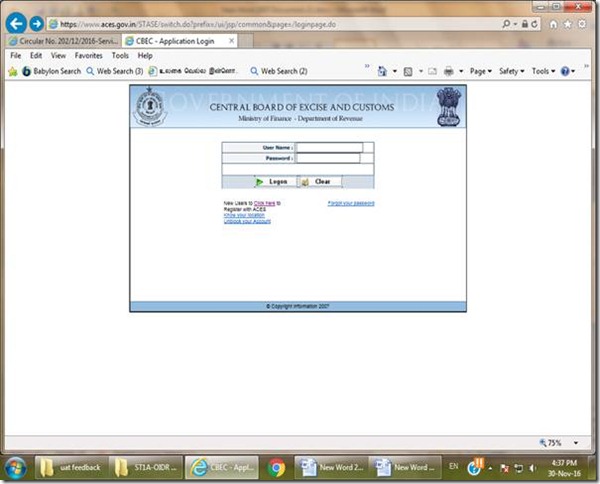
On clicking the following screen will open. Fill in the required details and submit to complete Registration with ACES .
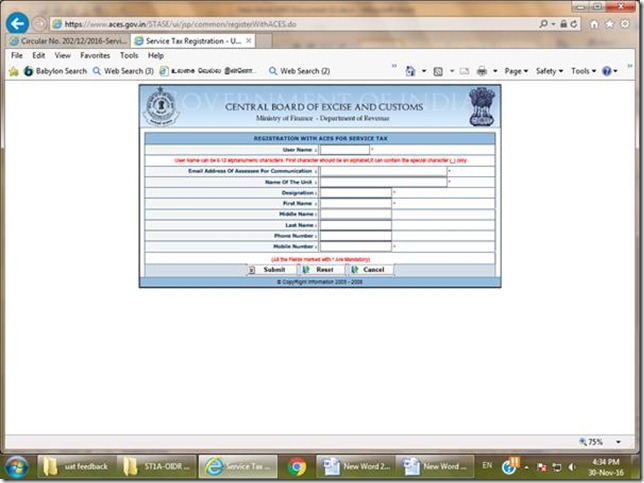
Then the login credentials will be sent to the e-mail ID provided.
Use this login credentials to login and apply for Service Tax Registration.
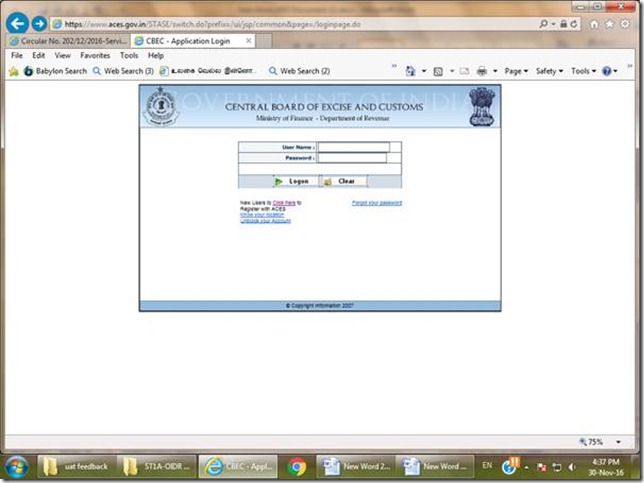
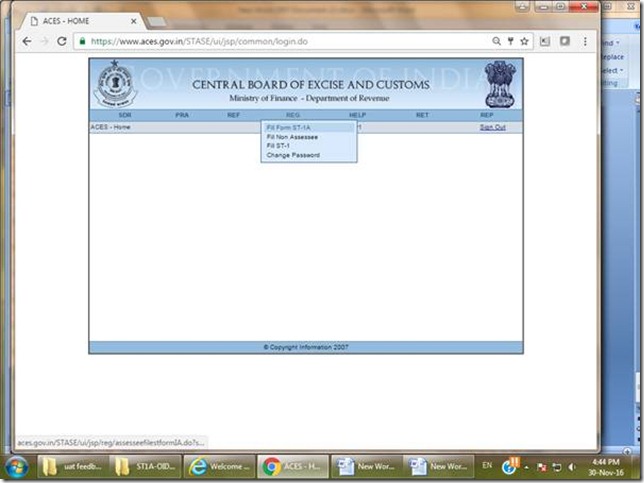
After login Click REG>Fill Form ST-1A
Fill the Form and submit and then ST-2A (Registration Certificate) will be generated automatically.
For any clarification please click the link below. (Circular No. 202/12/2016-Service Tax).
http://www.cbec.gov.in/htdocs-servicetax/st-circulars/st-circulars-2016/st-circ-202-2016
By CA Ankit Gulgulia (Jain)
9811653975
Related Tags ACES, CA Ankit Gulgulia, How to, Servicetax

Admin at Charteredonline. Reach us admin@charteredonline.in